You can use Jade to provide one-time passwords (OTPs) for any platform that allows two-factor authentication (2FA) using this method. You can use Jade to generate 2FA codes for your email account, Bitcoin or Liquid exchange, or even a Blockstream app wallet.
Tip: This feature provides similar functionality as authenticator apps, such as Google Authenticator.
1.
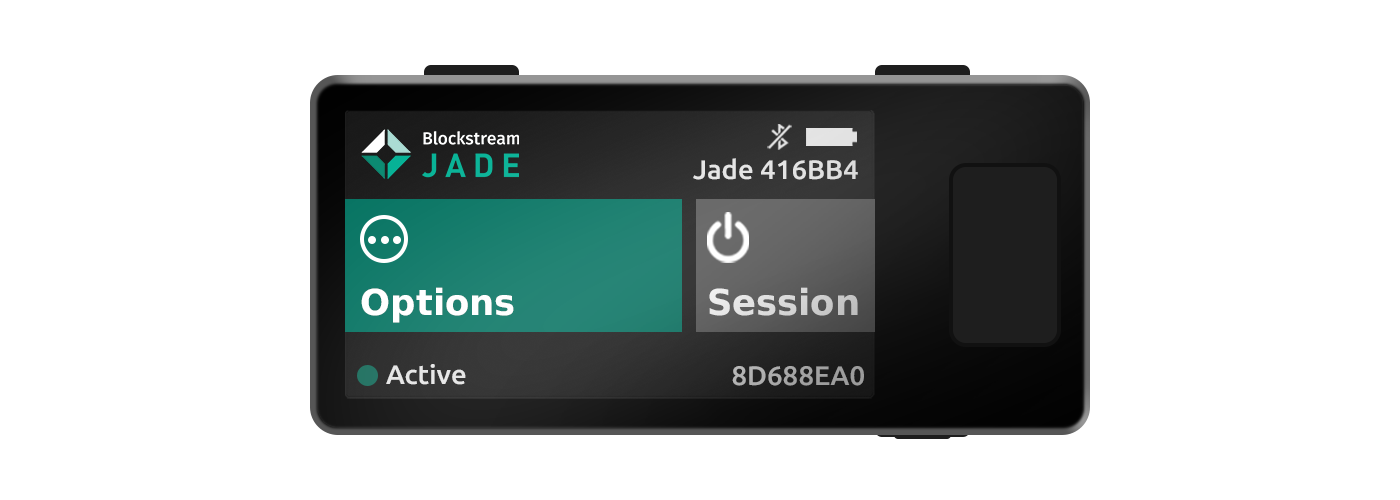
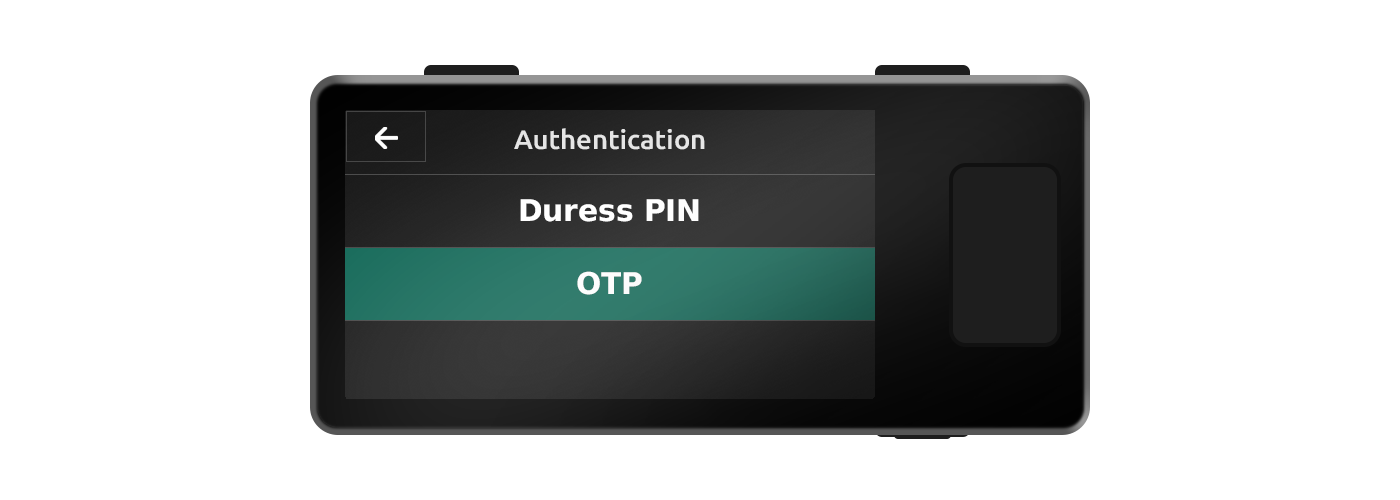
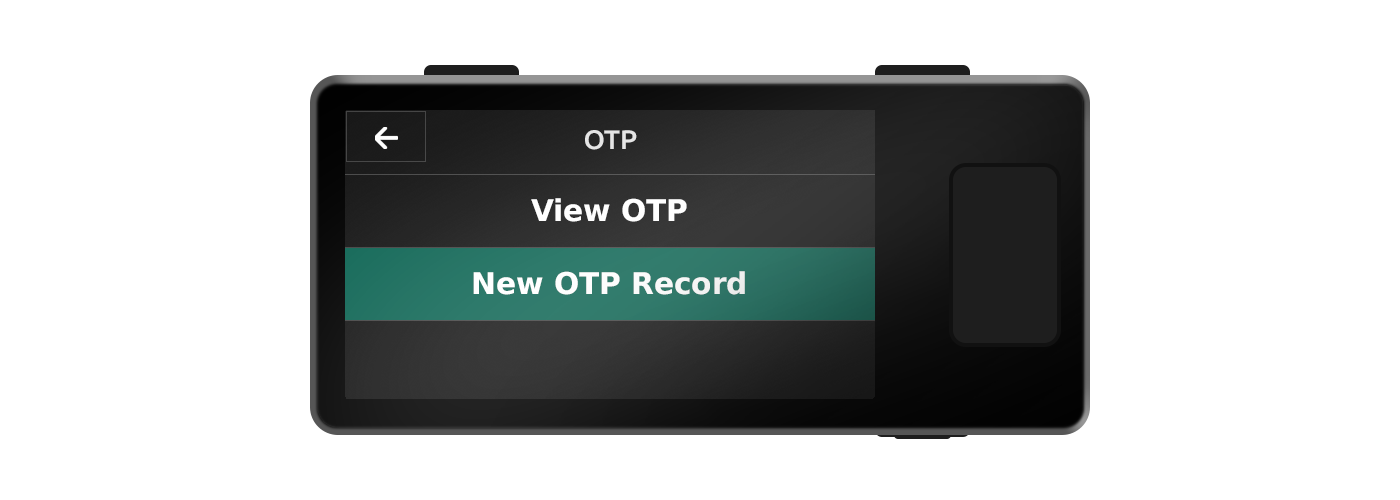
During an active Jade session, select Options → Authentication → OTP.
2.
Add a new OTP record by scanning a supported QR code or by manually entering a Uniform Resource Identifier (URI) provided by the platform you are enabling 2FA for.
3.
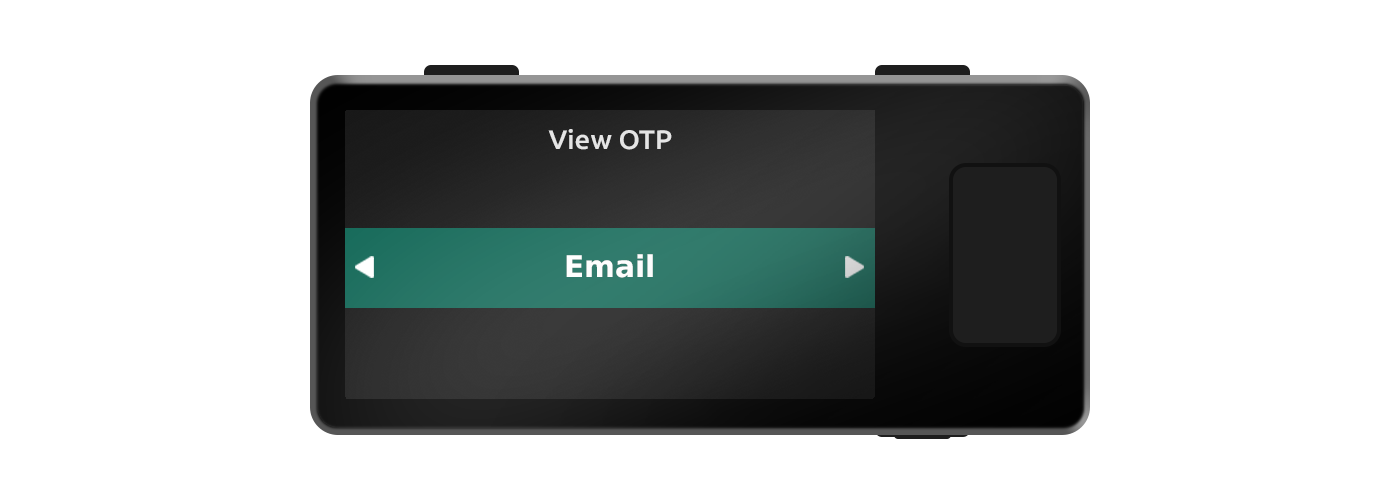
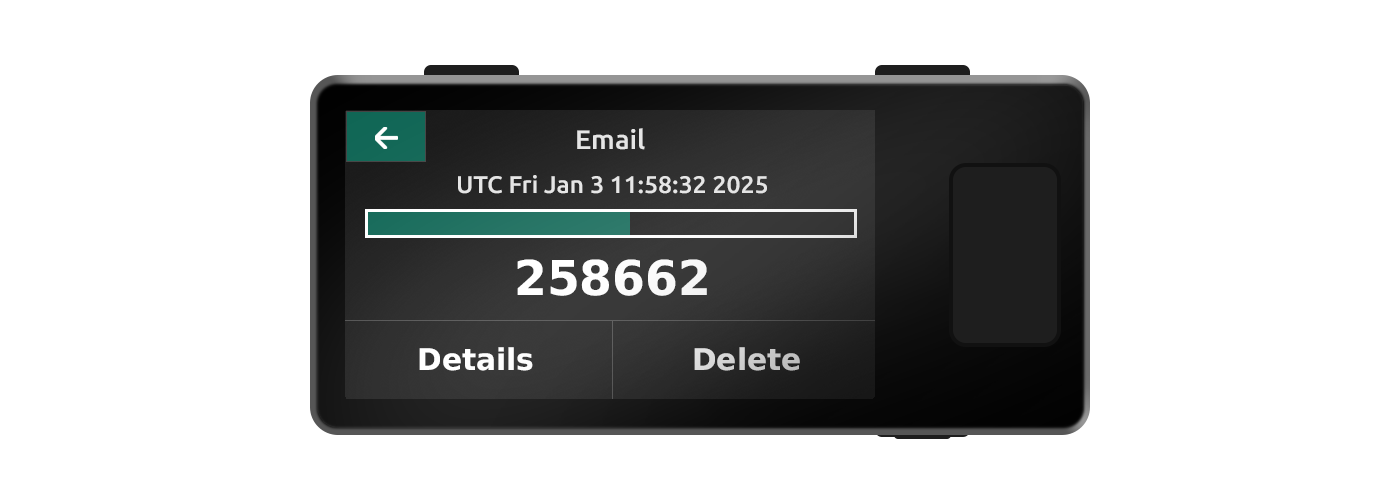
After setup, select View OTP and choose the record you want to view. Your time-based OTP code will be displayed along with a progress bar indicating the remaining time that the specific code is valid for.